images5 min
Image Compression: Formats and Tradeoffs
Compare PNG, JPEG, WebP, and AVIF tradeoffs, understand browser-side re-encoding, and choose settings using repeatable visual checks.
Read more→Convert images to Base64 data URIs and decode back for free. Copy as CSS background-image, HTML img tag, or raw Base64. No file uploads, 100% browser-based privacy.
Processing: local in your browser
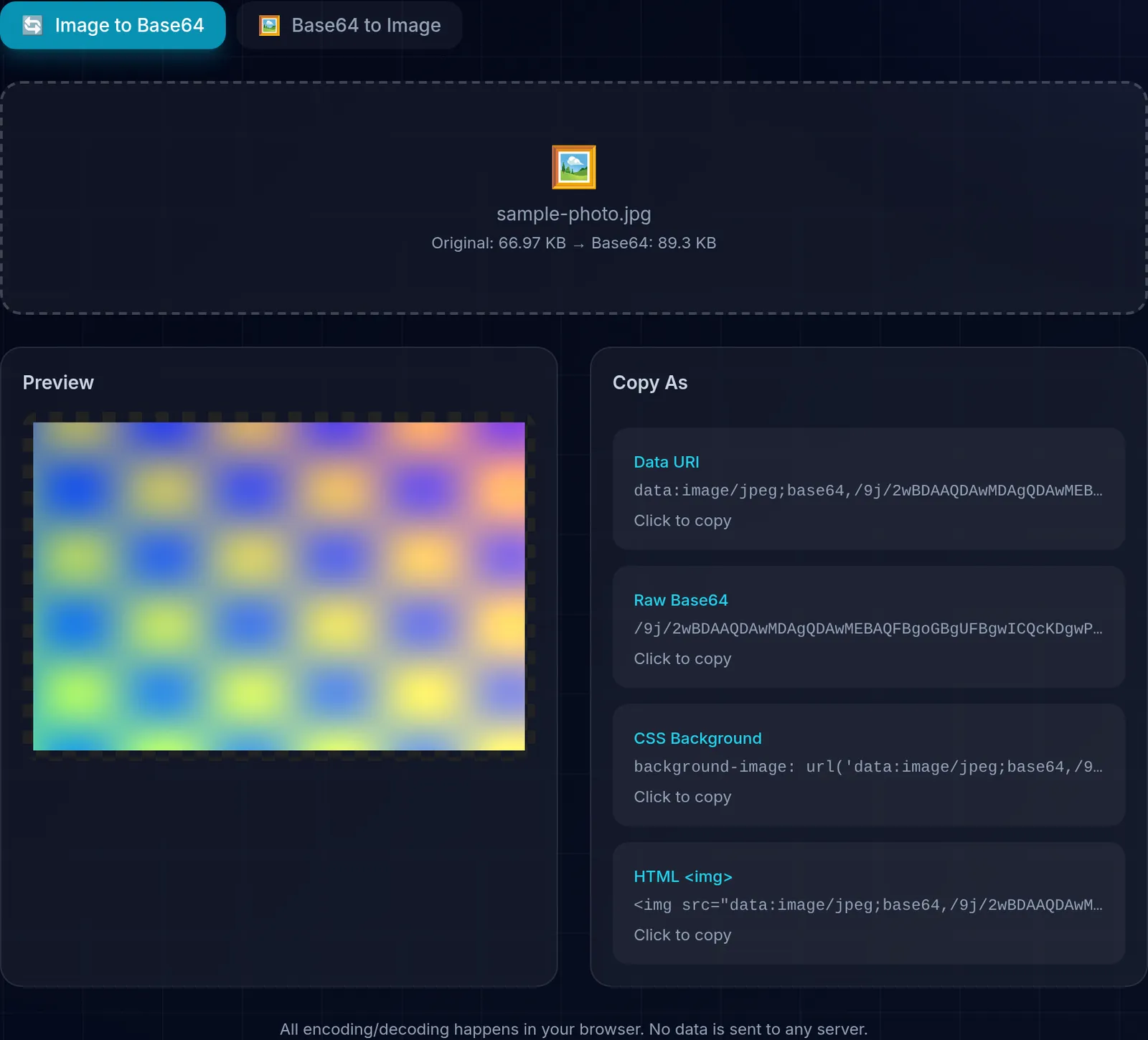
Convert images to Base64 data URIs and decode them back to the original format. Copy the result as a CSS background-image, HTML img tag, or raw Base64 string. Processing occurs in the browser without uploading the image to ToolsFree.
Base64 is an encoding scheme that converts binary data (like images) into an ASCII text string. It uses 64 characters (A-Z, a-z, 0-9, +, /) to represent the data, which allows you to embed images directly in HTML, CSS, or JSON without needing separate files.
Base64 is ideal for embedding small images (icons, logos, sprites) directly in CSS or HTML, eliminating extra HTTP requests and improving initial load performance. However, Base64 increases file size by 33%, so for larger images it is more efficient to use conventional files with modern formats like WebP or AVIF.
Conversion uses the browser's FileReader and Canvas APIs without uploading the image to ToolsFree. Device and extension security still matters for sensitive files.
The Base64 result is used as a data URI, a string that starts with data:image/png;base64, followed by the encoded data. In CSS you place it in background-image with url(...), and in HTML in the src attribute of an img tag. That way the image travels inside the file itself, with no separate request to the server. Our tool gives you the snippet ready to paste for each case, so you do not have to build the syntax by hand.
A common mistake is to think that Base64 encoding protects information. Base64 only changes how data is represented so it can travel as text: anyone can decode it instantly, with no key or secret. Do not use it to hide passwords, tokens, or personal data. If you need confidentiality, the right mechanism is encryption, not encoding.
Learn more with related in-depth guides and tutorials.
Compare PNG, JPEG, WebP, and AVIF tradeoffs, understand browser-side re-encoding, and choose settings using repeatable visual checks.
Read more→Understand checksums, cryptographic hashes, HMAC, collision resistance, and why SHA-1 or MD5 should not protect security-sensitive data.
Read more→All encoding/decoding happens in your browser. No data is sent to any server.