JSON10 min
JSON Format: Syntax, Errors, and Safe Use
Learn JSON's actual grammar, diagnose common parser failures, and format or inspect data locally without confusing syntax validation with schema validation.
Read more→Compare two texts side by side with highlighted differences for free. Find additions, deletions & changes instantly. Perfect for code review & document comparison.
Processing: local in your browser
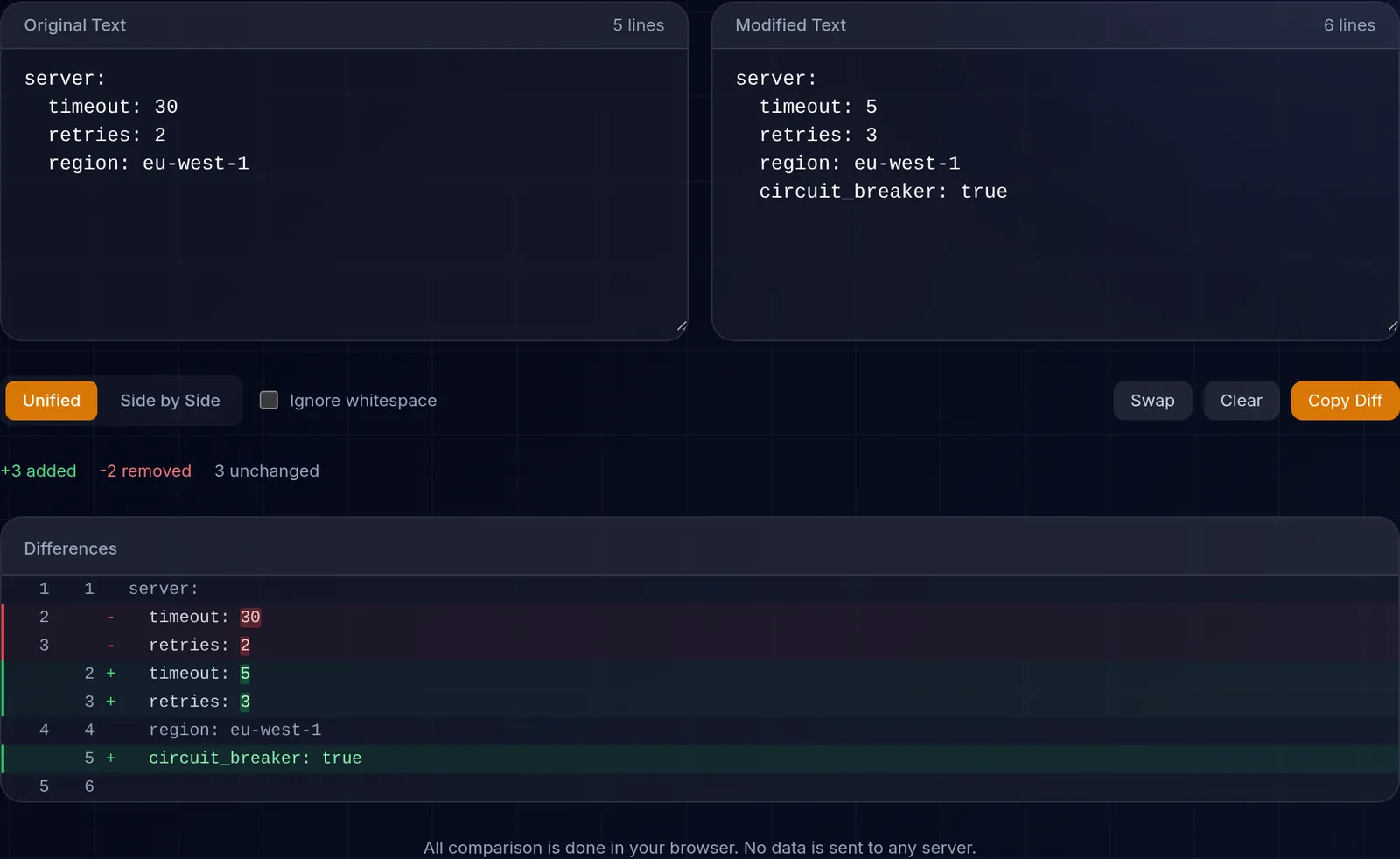
Compare two texts side by side with color-coded differences. Find additions, deletions, and changes instantly. Perfect for code review, legal document comparison, version control, and translation verification.
Our comparator uses the Longest Common Subsequence (LCS) algorithm to precisely identify differences between two texts. It supports line-by-line and word-by-word comparison. Additions are highlighted in green, deletions in red, and modifications are clearly marked for quick, error-free identification.
Code review: compare old and new versions of your code before committing. Legal documents: verify changes between contract versions. Translations: compare original text with translation to detect omissions. SEO: compare meta descriptions or content between page versions.
All processing happens in your browser using pure JavaScript. The texts you compare are never sent to ToolsFree. This avoids an upload to our server, while device and browser security still matter for sensitive documents.
Line comparison marks an entire line as changed as soon as anything in it differs, and works well for code or lists where each line is a unit. Word comparison is more granular: it highlights only the specific words that change within a line, which is ideal for prose, contracts, or translations, where a single word can matter. Choose the mode based on how fine-grained you need the result to be.
Before comparing long texts, it helps to normalize noise such as trailing spaces or line breaks so the real differences stand out. Keep in mind that the tool limits comparison to the first 2,000 lines for performance; if a document is truncated, you are told. For very large files, split the text into sections and compare them in parts.
Learn more with related in-depth guides and tutorials.
All comparison is done in your browser. No data is sent to any server.